Why the mount comes first
Picture 80 stops in a shift. Each time you pick the phone up, find the address and put it down again, you lose a few seconds. Call it eight. That is about ten minutes over the shift. It is illustrative maths, not a lab result, but it is the right order of magnitude on a busy route.
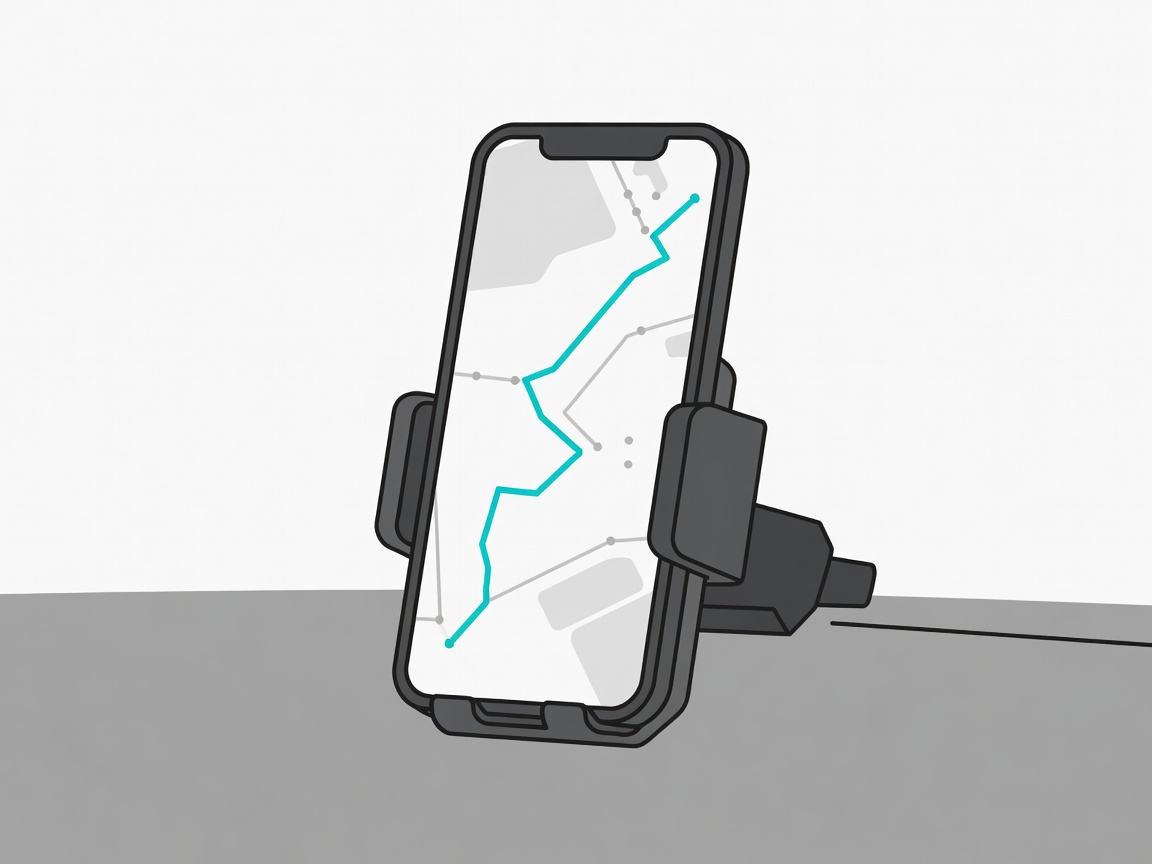
A mount turns pick-up-and-squint into a glance. It also stops the phone sliding under the seat on the first roundabout, which is how screens crack and orders get missed.
Pick the spot before you pick the mount
Where the phone sits decides which mount will work.
- Vent clip: quick to fit and cheap. Heavy phones can droop, and heater air will warm the battery in winter.
- Dash pad (adhesive): low and steady. Clean the surface first and give the pad time to bond.
- Windscreen suction: the best angle, but it must stay out of your view of the road. Many countries restrict what you can fix to the glass.
- Cup-holder arm: useful in vans with deep holders. Check it does not clash with the gear stick.
- Handlebar mount: for bikes and scooters. Choose one with a rubber damper.
Rules differ by country. In the UK, for example, the Highway Code (rules 148 and 149) covers distraction and handheld phone use, and view of the road must stay clear. Check the law where you drive before you fit anything.
Grip, heat and vibration
Spring-clamp cradles hold almost any phone and case, and you can release them with one hand. Magnetic mounts are faster still. They work best with a magnetic ring or a MagSafe-style case, and a strong magnet holds fine on city roads. Cheap magnets slip on potholes, so test yours before you rely on it.
Heat is the quiet killer. A dark phone in a sunny cradle can throttle charging, dim the screen or shut down. Park out of direct sun when you can, point the vent at the phone in summer if it is cool air, and do not leave it mounted in a hot parked vehicle.
On a motorbike or scooter, vibration matters. Apple has warned that high-power motorcycle engine vibrations can damage iPhone camera stabilisation. A damped mount reduces the risk, and a bicycle or small scooter is less of a worry than a large engine.
What to check before you buy
- Can you place and remove the phone with one hand?
- Does it fit your phone with its case on?
- Does the arm sit low enough to keep the road view clear?
- Can you rotate between portrait and landscape?
- Is there room for the charging cable without a kink?
- Does the base survive heat, or will the adhesive soften?
A five-minute setup
- Sit in your normal driving position and pick the spot with your eyes, not your hands.
- Clean the surface with an alcohol wipe and let it dry.
- Fit the base and press for the time the maker says.
- Route the cable along the dash edge and clip it so it cannot snag the gear lever.
- Do a dry run: mount, unmount and tilt while stationary. Adjust before you move.
Common mistakes
Most failures are fitting mistakes. Drivers stick pads on textured plastic that never bonds. They aim the screen so the sun washes it out. Or they mount the phone so high that reading it means looking away from the road. If you have to hunt for the screen, move it. If the mount rattles, tighten it or replace it. A mount you trust is one you stop thinking about, and that is the whole point.
See how to keep it powered in Charge between stops.
Vent clip or dash mount?
Vent clips are quick and cheap but droop under heavy phones and blow hot or cold air on the battery. A low dash mount is steadier.
Is a magnetic mount safe for my phone?
Magnets are fine for modern phones when used with a compatible ring or case. Keep cards and key fobs away from the magnet.